Bootstrap Scripts
Copy-and-paste commands to bootstrap a fresh macOS, Linux, or Windows machine. Managed with chezmoi, designed for fast and repeatable setup.
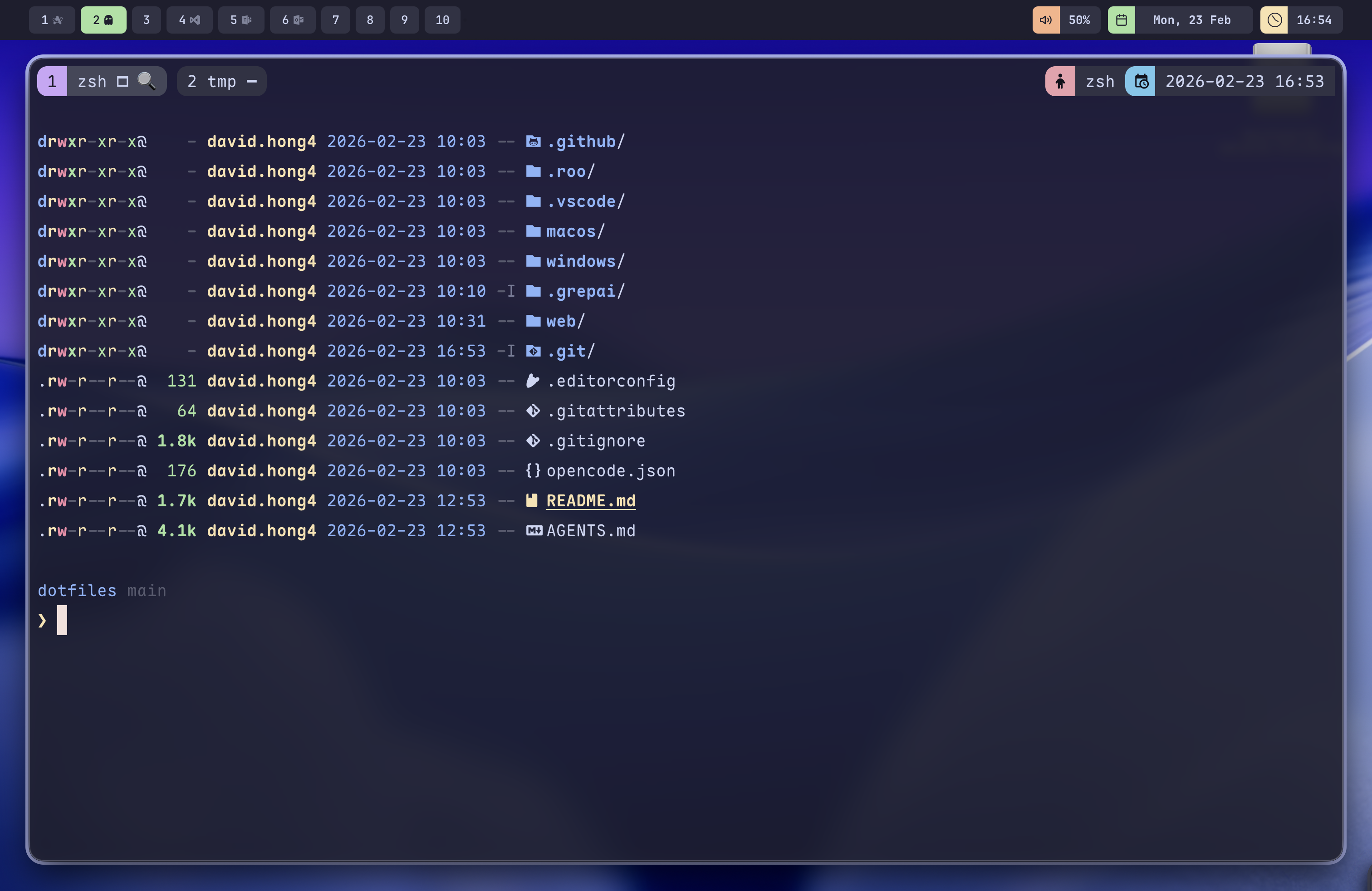
Screenshot
macOS desktop with Aerospace tiling, Ghostty terminal, and Catppuccin Mocha theme.
Quick Setup
Run the one-liner to clone the repo and bootstrap everything: Homebrew, chezmoi, dotfiles, packages, and diagnostics.
Or clone manually and run the bootstrap script directly:
The one-liner honours DOTFILES_DIR and DOTFILES_REPO environment overrides (set them after the pipe), and bootstrap.sh accepts --skip-packages / --skip-upgrade flags (see --help).
chezmoi Source Directory
This repository uses a non-standard chezmoi source directory for a smoother editing workflow.
Instead of the default ~/.local/share/chezmoi/, dotfiles are managed directly from the git working tree. This allows editing files in the repo and applying them directly without syncing between two locations.
What bootstrap.sh Does
The bootstrap script is idempotent and handles the entire setup process automatically.
Manual Control
For granular control, run individual components separately.
Secrets via 1Password
Secrets are stored in 1Password and pulled automatically during chezmoi apply.
If 1Password is locked, offline, or unreachable (e.g. a closed-lid MacBook), chezmoi apply warns and skips the secret-backed files — ~/.extra.zsh and the git identity configs — leaving them unchanged, rather than failing outright. Re-run once 1Password responds, or pass --skip-secrets to do so deliberately.
Git Identity and Credentials (gauth)
A Go CLI built from packages/gauth that picks the right GitHub account per directory and per remote.
gauth picks a work or personal identity from gitconfig includeIf markers and repo owners, then hands git a live token from the GitHub CLI's keyring — stateless and fail-closed, so an unknown profile aborts rather than using the wrong account. Full reference: packages/gauth/README.md.
Manual Secrets (Without 1Password)
Create ~/.extra.zsh manually if you don't use 1Password.
The git identity and gauth blocks in the gitconfig template only render when the 1Password CLI is installed. Without it, set your identity manually with git config --global user.name and user.email; to keep using gauth, hand-write the [gauth] definitions per packages/gauth/README.md.
Custom PATH
Add custom directories to your PATH via ~/.path.zsh.
Aerospace (Optional)
Disable the Aerospace tiling window manager if you don't want it.
Included Features
Opinionated tooling and configuration included in this dotfiles repository.